In IKEA's web team I was exploring agentic commerce: what shopping looks like when a customer shows up with an assistant instead of a search box. To work out what those flows could be, I started experimenting with MCP, the protocol that lets AI assistants use outside tools and data.
Static screens can't tell you much about a conversation. I wanted to sketch agentic flows by actually having them.
I had a head start. Placera, my Figma plugin, already puts live IKEA product data, imagery and 3D models on the canvas for nearly 400 designers. Behind it sits an API I run on our own cloud setup. The catalogue was one step away from being something an AI assistant could use.
Problem
Designers exploring AI shopping flows were prototyping with fake products. A chatbot that recommends “Sofa, €499, [image]” tells you nothing about whether the conversation works. Real catalogues are messy: colour variants, products that only make sense as a set, prices that change per market. Most of the design problems sit in that mess.
Meanwhile, designers had started building prototypes in Figma Make, Copilot and Claude Code, and each one started with someone hard-coding a handful of products.
Approach
Give the assistant the catalogue. I built an MCP server on top of the Placera API. It has 16 tools (search, product cards, prices, imagery, 3D models) and 8 guided actions such as “create a product grid” or “build a shopping experience” that chain those tools together. Any assistant that speaks MCP can now search and show live IKEA products.
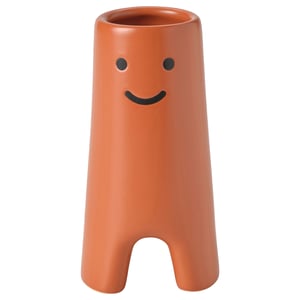
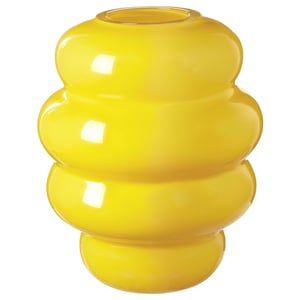
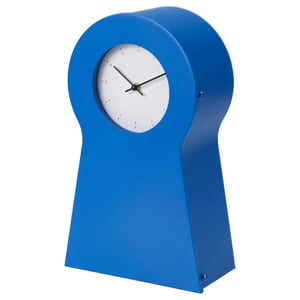
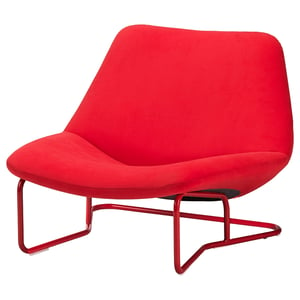
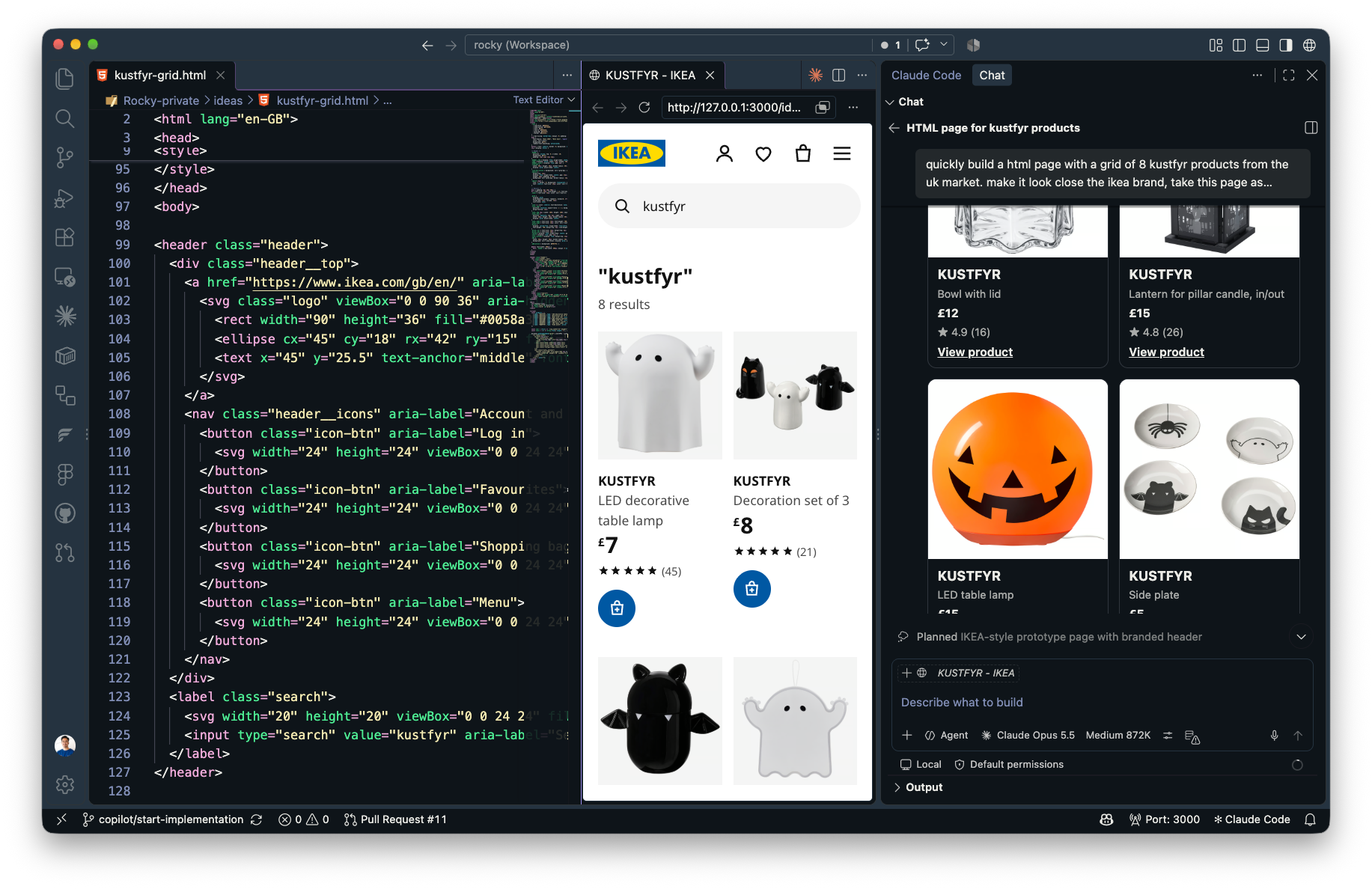
Treat the response as the interface. A list of product names is a bad way to shop for a sofa. I added visual result rendering so image searches come back as a browsable grid inside the chat. That let us test what an assistant should show, when, and how much of it.
Search with a picture. Using our DAM’s visual similarity search, I built “Find similar”. Show it something you like and it returns products that look like it, so discovery can start from taste instead of a keyword.
Split the jobs. I saw two groups in the usage: designers role-playing shoppers to test agentic flows, and designers filling prototypes with real data. I kept the original endpoint stable because colleagues depend on it and moved shopping flows to a separate one. An assistant choosing from fewer, clearer tools makes better choices, so I treated the tool list as a UX decision.
Make it work for people who don’t write code. I wrote a starter kit of prompts and shipped the MCP config inside our prototype template. A designer opens VS Code, asks Copilot for a product page, and gets one with real products in it. Next, I’m building an internal platform to deploy those prototypes to, so we can test them with real participants.
 Placera


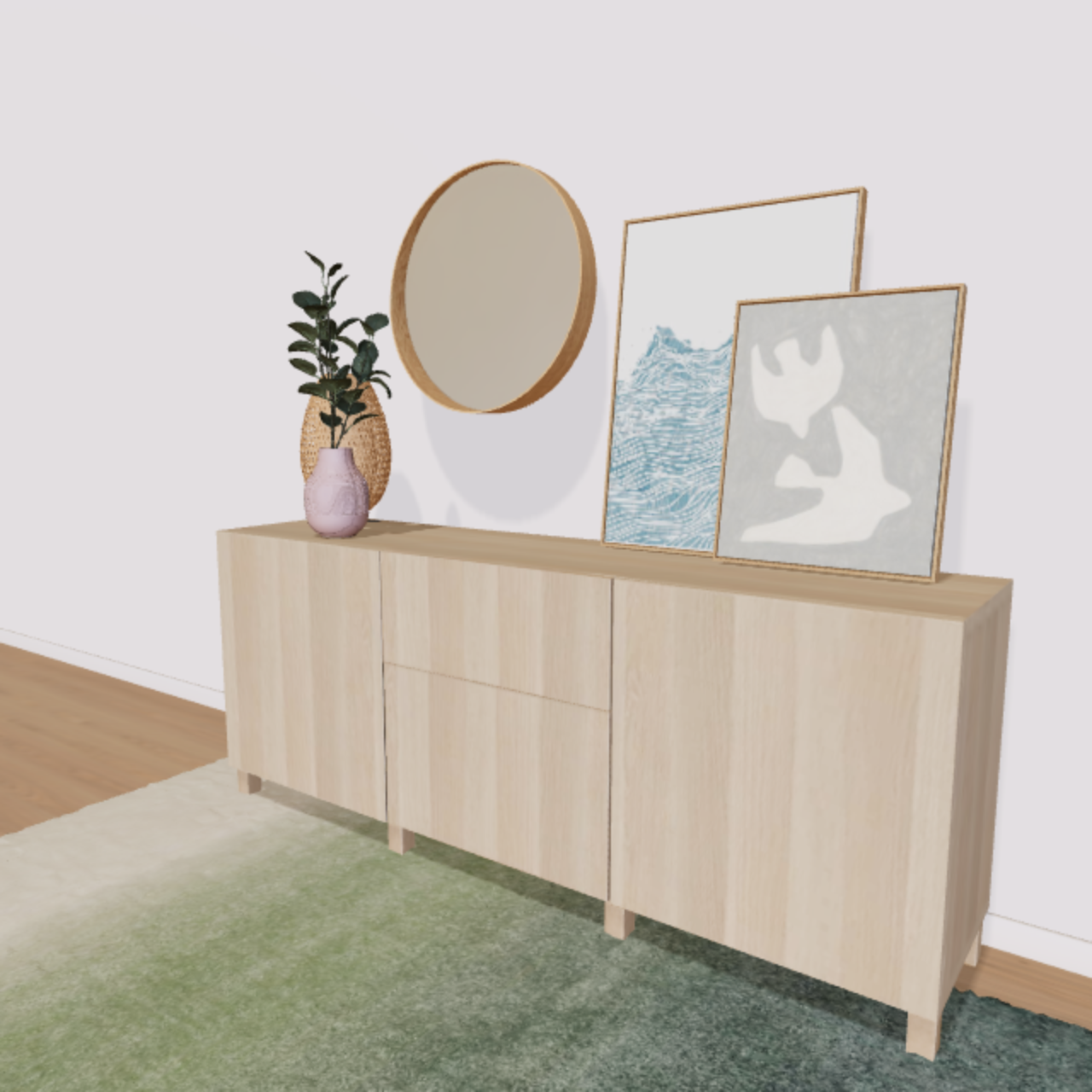

 Top choice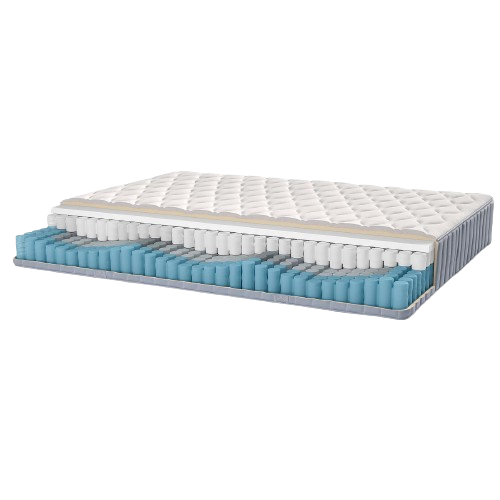
 5-core pocket springs
 7 comfort zones
 Foam
Foam