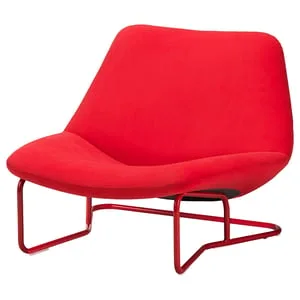
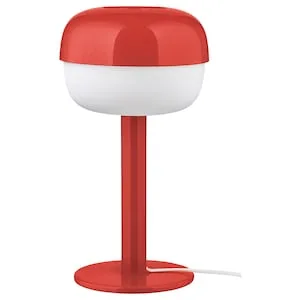
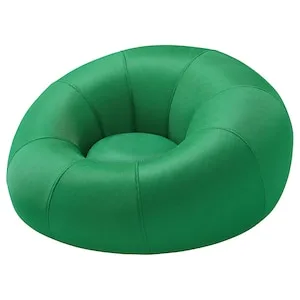
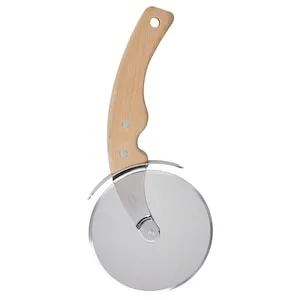
In 2022 I was on the search and listing team, designing search result pages every day. Every one of those pages needed products, and I wanted real ones, so I started building Placera for Figma. I still maintain it.
Most IKEA web design work looks like that: screens full of products, from listing pages to product pages, campaign modules and recommendation carousels. A lot of the concept work before that happens on Miro boards, in workshops with product, engineering and sometimes retail. Skapa, our design system, gives designers the components, but in both places the content is up to them. In 2024 I built a Miro app on the same API, so workshops could use the real range too.
Problem In Figma, designers filled frames by hand. They copied a name from ikea.com, pasted a price, downloaded an image and cropped it, card by card. Getting one long listing page to look realistic with data from the live site took about an hour, so most of the time they used placeholders instead. Miro had no direct way to bring in the range either. The only options were stock photos or screenshots, which go stale, lose the link back to the product and can't show the price in another market.
Fake content hides the problems real content creates: long Swedish product names that wrap, prices with and without decimals, currency symbols before or after the number, products with no lifestyle image, badges only some products have. A design review or workshop spent on fake products can't tell you whether the idea holds up.
Approach One API, two tools.
In Figma, bind by layer name. #name or #salesPrice and Placera fills it. Text layers can mix static copy and data, like From #{salesPrice}, and nested data works with dot and array notation, such as #designers[0].name. It works on the frames designers already have, with no new component library to learn.
Search the way designers already look.
Work with the design system, not around it.
In Miro, start from the room.
Outcome Four years in, Placera has had 117 releases. It grew from 143 users in December 2023 to 243 a year later, and reached 396 in October 2026.
One designer wrote this at the top of a bug report, on a day the plugin broke for her:
"I use Placera a LOT. It really makes my work super effective and I cannot imagine going back to not having this tool."
The plugin also got me on stage at Figma Config 2023 in San Francisco, where I demoed Placera (watch the talk ). Nobody had asked me to build it. I made it alongside my regular design work, so presenting it at Figma's own conference felt like the payoff for that extra effort, and it gave Placera a lot of exposure.
The same API later became the base for the Placera MCP server, which gives AI assistants the catalogue (see AI-assisted product search ). Other designers have since modelled their own tools on it.
The most useful thing I learned: I built Placera to skip an hour of copy-pasting on my own search result pages, and it turned out the whole design team had the same tedious task. Automating my own work saved time for everyone.

 Placera